
Walk into most clinics in Pakistan and you'll find the same patient written down three times: once in the register at reception, once on the doctor's prescription pad, and once more in the pharmacy's sales book. Billing lives in a spreadsheet, lab results come back on paper, and the owner finds out how the day went by phoning around at night. Clinic management software is supposed to fix that — but plenty of systems just move the three registers onto three screens.
This checklist is what we used to build our own platform, Orbit Clinic. Use it to judge any system before your clinic switches.
1. One patient record, shared by every counter
The single most important question: when the receptionist registers a patient, is that the same record the doctor writes into, the pharmacist dispenses against and the owner sees in the evening's revenue? If any step means re-typing a name, a drug or an amount, errors and lost revenue follow.
A good system gives each patient one timeline — demographics, allergies, chronic conditions, vitals, and every encounter, lab order, invoice and document merged in date order. The doctor opens it before the consult; nobody hunts through files.
2. A consultation screen doctors will actually use
If the consult screen is slower than a pen, doctors won't use it. Look for:
- Structured notes — chief complaint, history and examination, without forcing a wall of mandatory fields.
- An ICD-10 diagnosis picker, so diagnoses are searchable and reportable later.
- A prescription builder with allergy and drug-interaction warnings — the safety check a paper pad can never give you.
- Sign-off that locks the note, so the record can't be quietly changed after the fact.
3. Billing that fills itself — with local payment methods
Invoices should auto-populate from the consultation, the drugs dispensed and the lab orders, so the front desk just confirms and collects. In Pakistan that means accepting cash, card, JazzCash, EasyPaisa and bank transfer, plus insurance claims for panel patients. End-of-shift reconciliation matters too: the cash in the drawer should match what the system says was collected, before the shift goes home.
4. Pharmacy and lab workflows, not add-ons
Many clinics earn a large share of their revenue at the pharmacy counter, yet it's often the least-organised part of the building. Check that the software handles:
- Barcode-scan walk-in sales and dispensing directly against a signed prescription.
- Batch-level stock with expiry dates, low-stock and expiry alerts, purchase orders and supplier records.
- Lab orders tracked from sample collection to result entry, with abnormal values flagged against reference ranges — and CSV import for batch results from analysers.
5. Appointments and a live waiting room
Your front desk needs day, week and list views, a live waiting-room queue, waitlists and quick rescheduling. Crucially, bookable slots should come from each doctor's own weekly hours and breaks — not a single clinic-wide timetable that double-books the visiting consultant. If patients can book, reschedule or cancel themselves through a patient portal, your phone line gets quieter, and WhatsApp reminders cut no-shows further.
6. Real role-based access — enforced on the server
A receptionist shouldn't see revenue reports, and a pharmacist doesn't need clinical notes. Lots of systems simply hide the button in the interface. Ask whether permissions are enforced on the server, so a role without access to a screen genuinely can't reach its data through the API either. Also check how staff accounts get created: in Orbit Clinic, doctors and staff request access to your clinic themselves, and the owner approves each request before that person can sign in.
7. Built for more than one branch
Even if you run one clinic today, pick software that won't need replacing when you open a second. Each clinic should get its own isolated workspace — patients, staff, billing and inventory — with a branch switcher, and owner reports that compare branches side by side: revenue, operations, doctor productivity and patient demographics, filterable by date and branch and exportable to CSV.
8. Pricing that doesn't punish you for hiring
Per-user pricing quietly penalises growth — every new receptionist or nurse costs more. Per-branch pricing is simpler to budget. For reference, Orbit Clinic is priced per branch with no per-user charge: Starter is Rs 6,000 and Growth is Rs 14,800 per branch per month (billed yearly, PKR, exclusive of tax), with custom Enterprise pricing for chains that need consolidated books, insurance panels, API access and dedicated migration. You pay by JazzCash, EasyPaisa or bank transfer, and the plan is activated once the payment is verified.
A quick checklist before you sign
- Does one patient record flow from reception to doctor to pharmacy to billing, with no re-typing?
- Does the prescription builder warn about allergies and drug interactions?
- Can you take JazzCash, EasyPaisa and bank transfer, and reconcile at end of shift?
- Does the pharmacy track batches and expiry dates?
- Are permissions enforced on the server, and do you approve every staff account?
- Will it handle a second branch without a new system?
- Is pricing per branch, or will it climb with every hire?
See it running your way
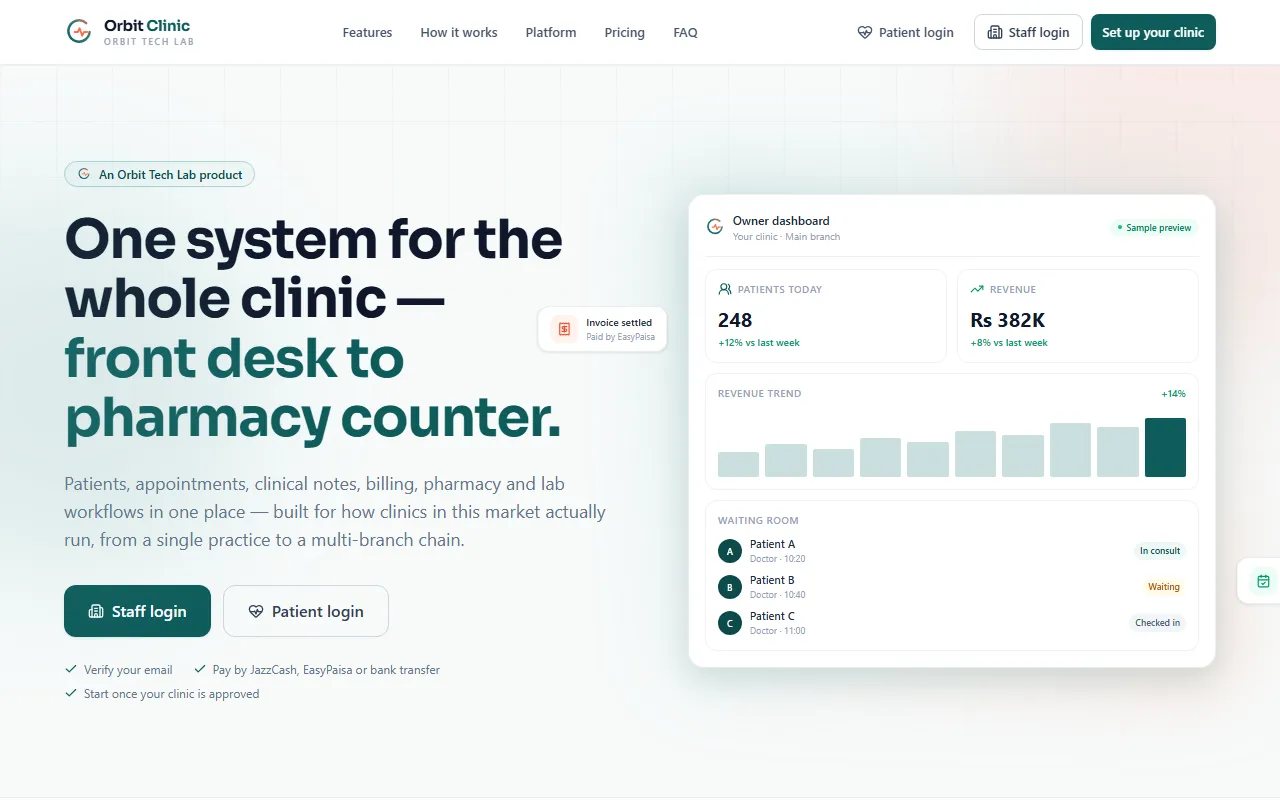
We built Orbit Clinic around exactly this list: seven role-based views — clinic owner, doctor, receptionist, pharmacist, lab tech, patient portal and platform admin — and eleven connected modules that all read and write the same live record. Create your clinic, verify your email, choose a plan and you're in as the clinic owner once it's approved. See Orbit Clinic alongside our other products.